
Verifying your email address secures your Braandly account and ensures you receive important updates about your workspaces. This guide shows you how to complete verification using a one-time password (OTP).
Before you start
Make sure you have access to the email address you used to sign up for Braandly. You will need to check this inbox for the verification code.
Verify your email
- Sign in to your Braandly account. If you just created an account, you are automatically redirected to the verification page.
- Check your email inbox for a message from Braandly with your verification code.
- Copy the six-digit verification code found inside the email.
- Return to the Braandly verification screen and enter the code into the Verification Code field. This code expires after 10 minutes.
- Click Verify Email.
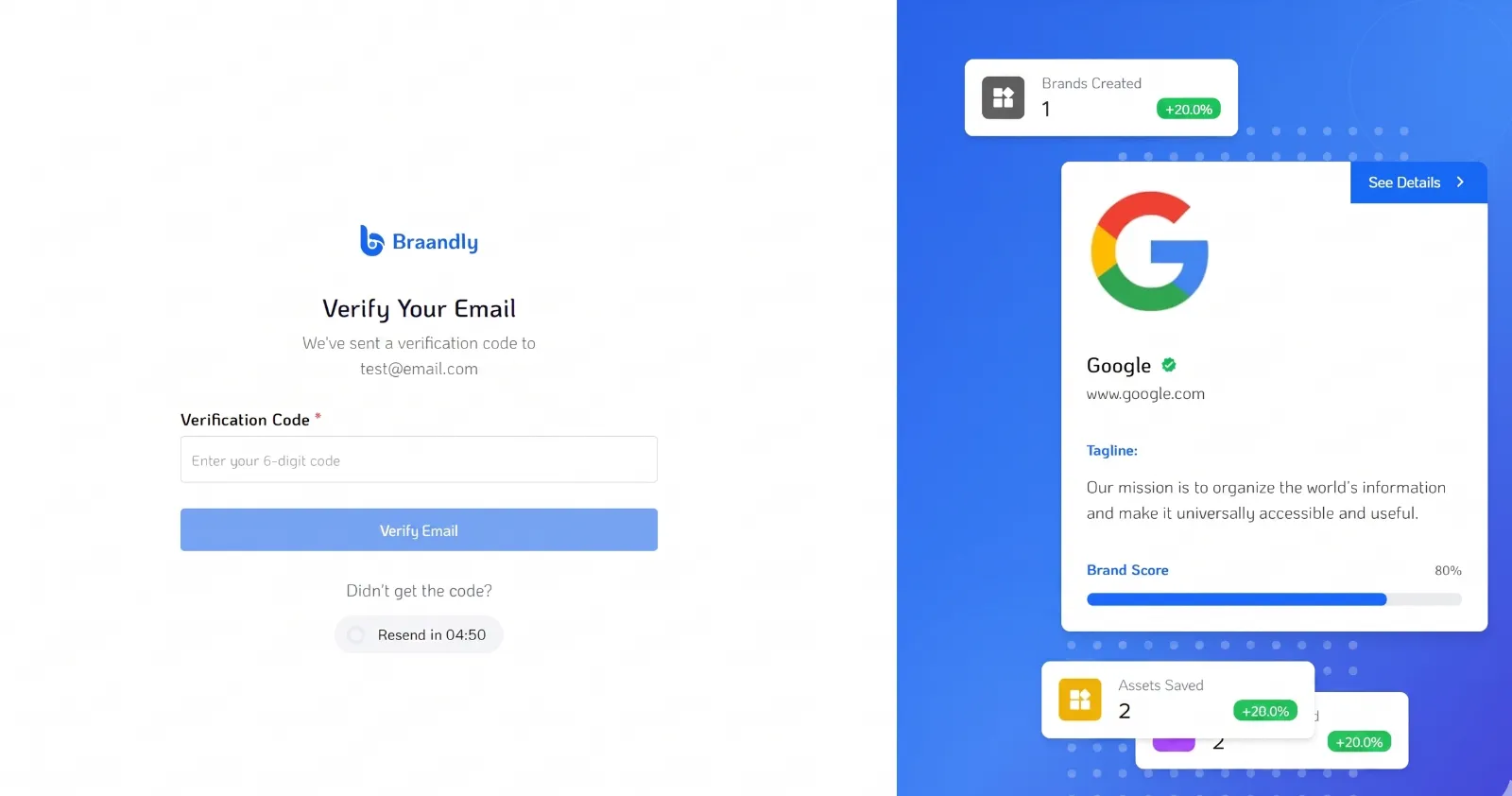
Your email address is now verified. Your default workspace opens automatically when you log in. If you just signed up, the system directs you to the Braandly onboarding screen (See Complete Onboarding).
The OTP code expires 10 minutes after it is sent. If your code expires, click Resend Verification Code on the verification screen to request a new one.
Troubleshooting
What should I do if I didn't receive the verification email?
Check your spam or junk folder first. If the email isn't there, wait two minutes and click Resend Verification Code on the verification page. Make sure you entered your email address correctly during sign-up.
Next steps
Now that your account is secure, you can begin setting up your brand assets. See Create a workspace.