
Creating a Braandly account gives you access to the infrastructure you need to manage your brand assets, guidelines, and team workspaces. This guide covers the account creation process so you can start building your brand.
Prerequisites
You need a valid email address that you have immediate access to for verification. If you want to sign up using your existing corporate or creative credentials, you can also use your Google or Facebook account.
Create your account via the Sign-up Modal
If you are browsing the main website or public documentation pages, you can sign up without leaving your current page by using the sign-up modal.
- Click Sign Up in the top navigation bar of any public page. The sign-up modal pops up over your current screen.
- Enter your fullname.
- Enter your email address and create a secure password.
- Click Join Braandly.
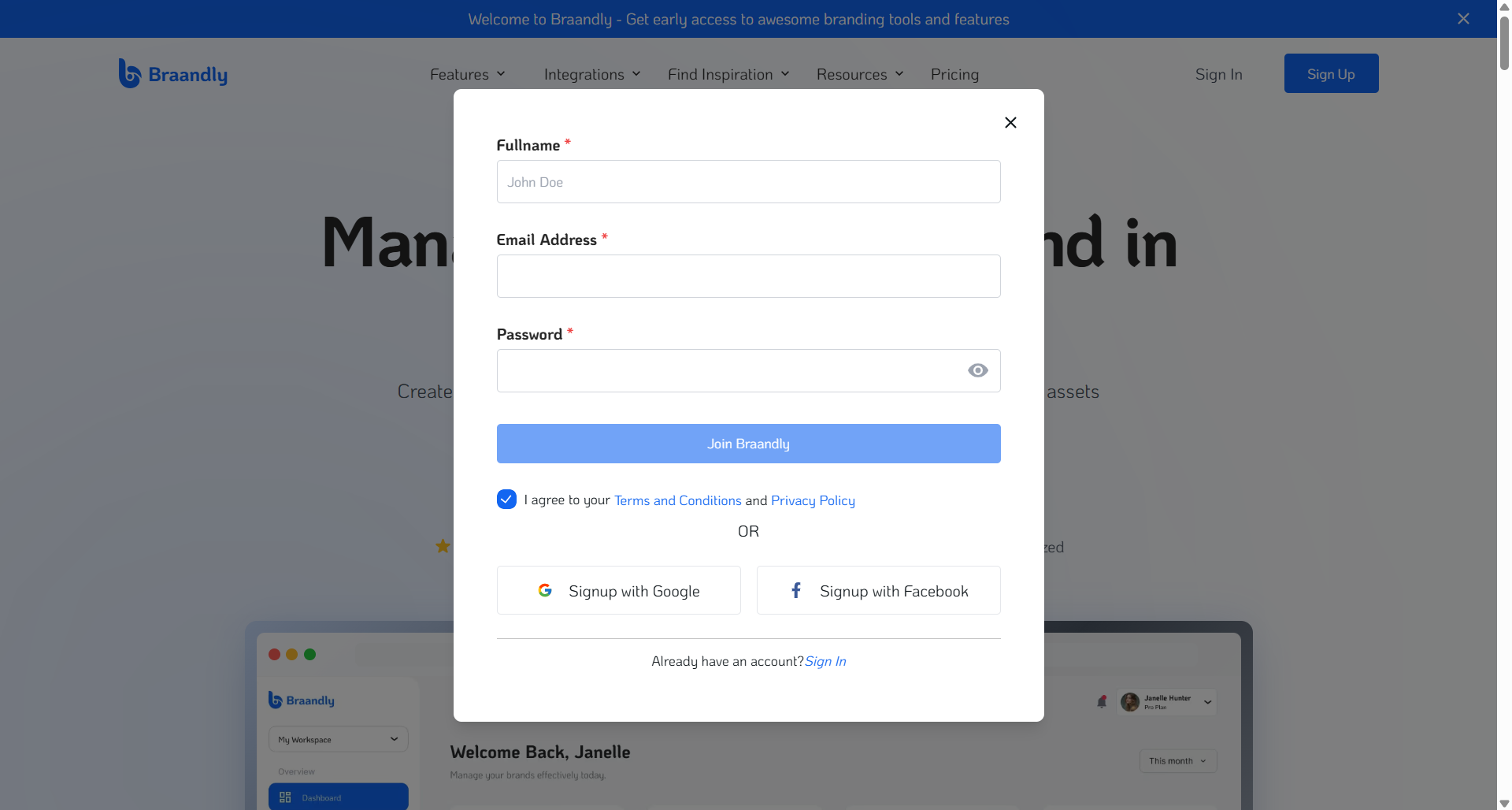
The modal closes, and the system directs you to verify your email address.
Create your account via the dedicated sign-up page
Use this method if you are navigating directly to the application platform URL.
- Go to
braandly.com/signupin your web browser. - Enter your full name.
- Enter your email address and create a secure password.
- Click Create Account.
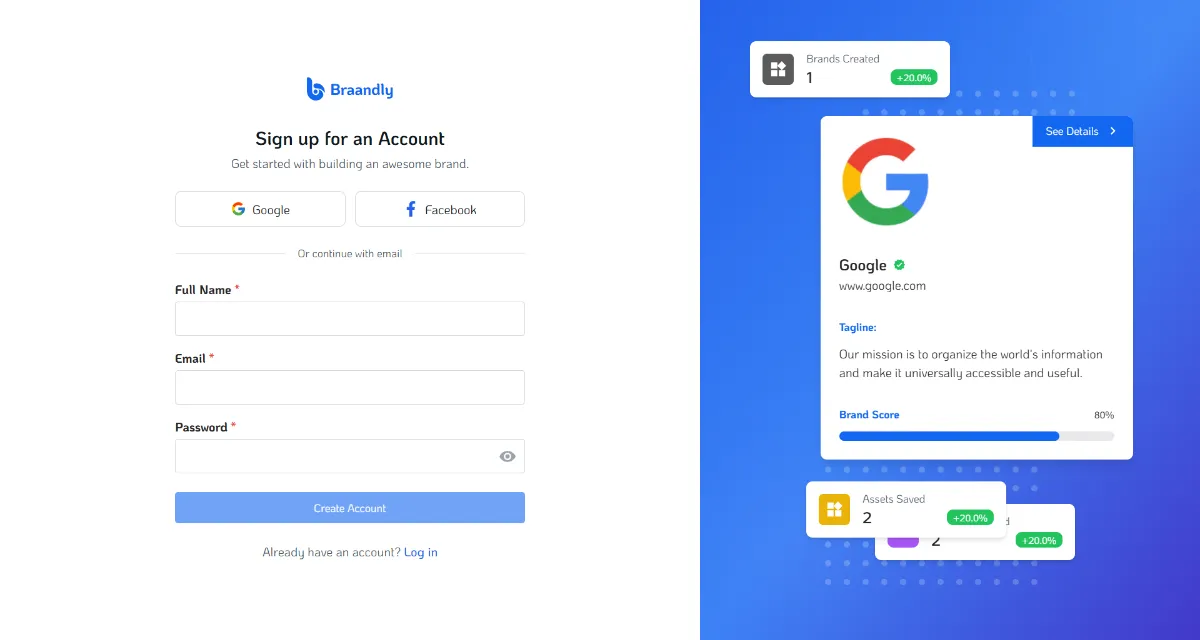
The system redirects you to verify your email address.
Verifying your email
If you signed up using your email address and a password, you must verify your email address. See Verify Email.
Set up your account with Google or Facebook
- On the dedicated sign-up page or sign-up modal, click Signup with Google or Signup with Facebook.
- Choose your Google account or Facebook account from the prompt.
- The system redirects you to the onboarding.
Next steps
Now that your profile is ready, create the central environment where your brand files and standards live. See Create your first workspace.