
The dashboard is the central hub for your workspace. This article walks you through the interactive onboarding tour that appears when you first open a workspace.
Take the onboarding tour
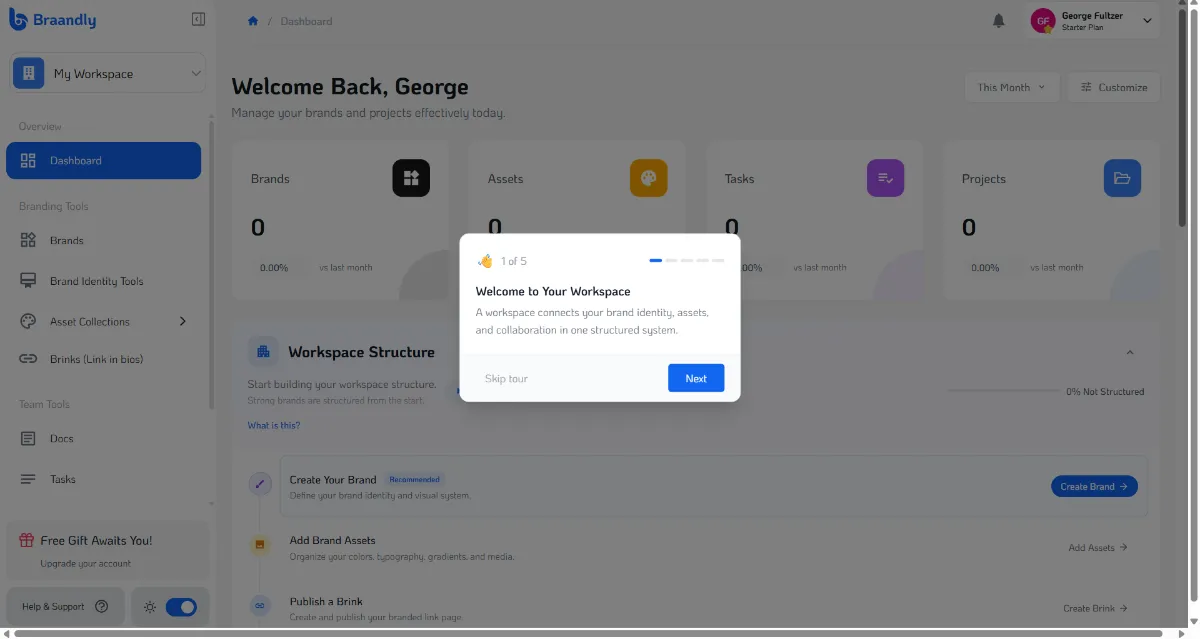
When you first open your workspace, an interactive 5-step tour automatically highlights the main areas of the interface.
-
Welcome to Your Workspace: The initial step introduces your new workspace. Click Next to proceed.
-
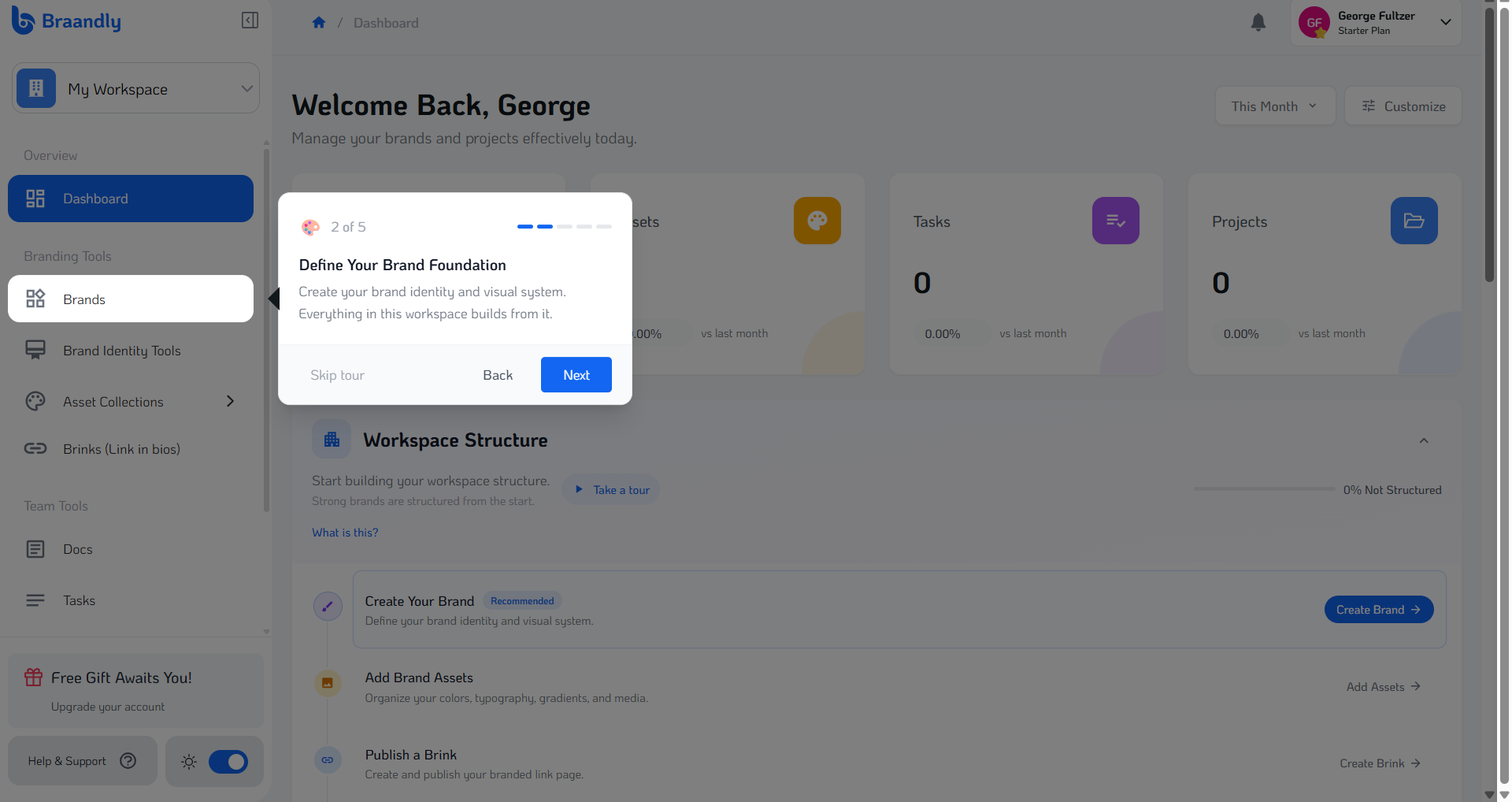
Define Your Brand Foundation: The tour highlights Brands in the sidebar, where you create your brand identity. Click Next.
-
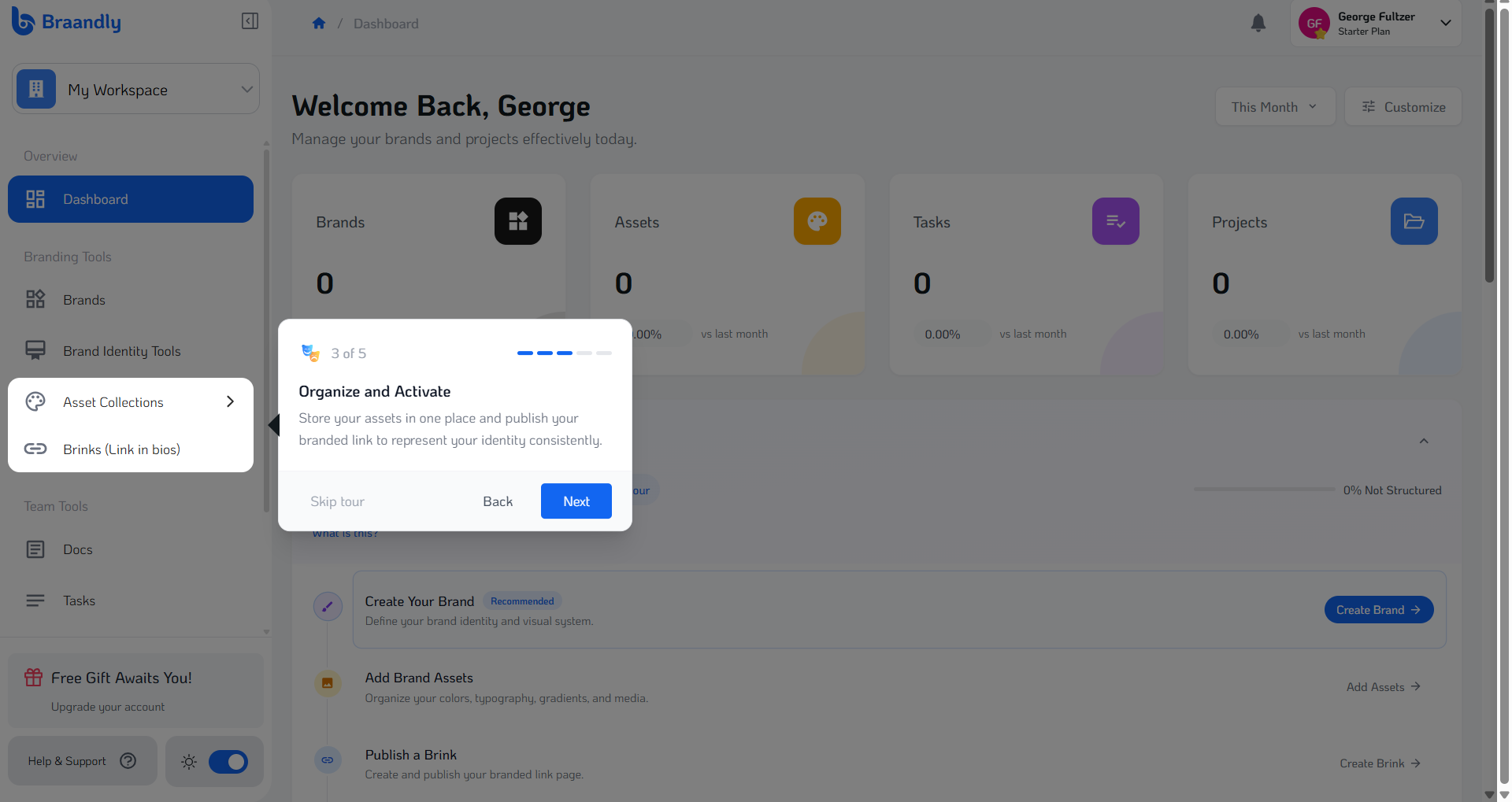
Organize and Activate: The tour points out Asset Collections and Brinks (link-in-bio pages) for organizing assets and managing public links. Click Next.
-
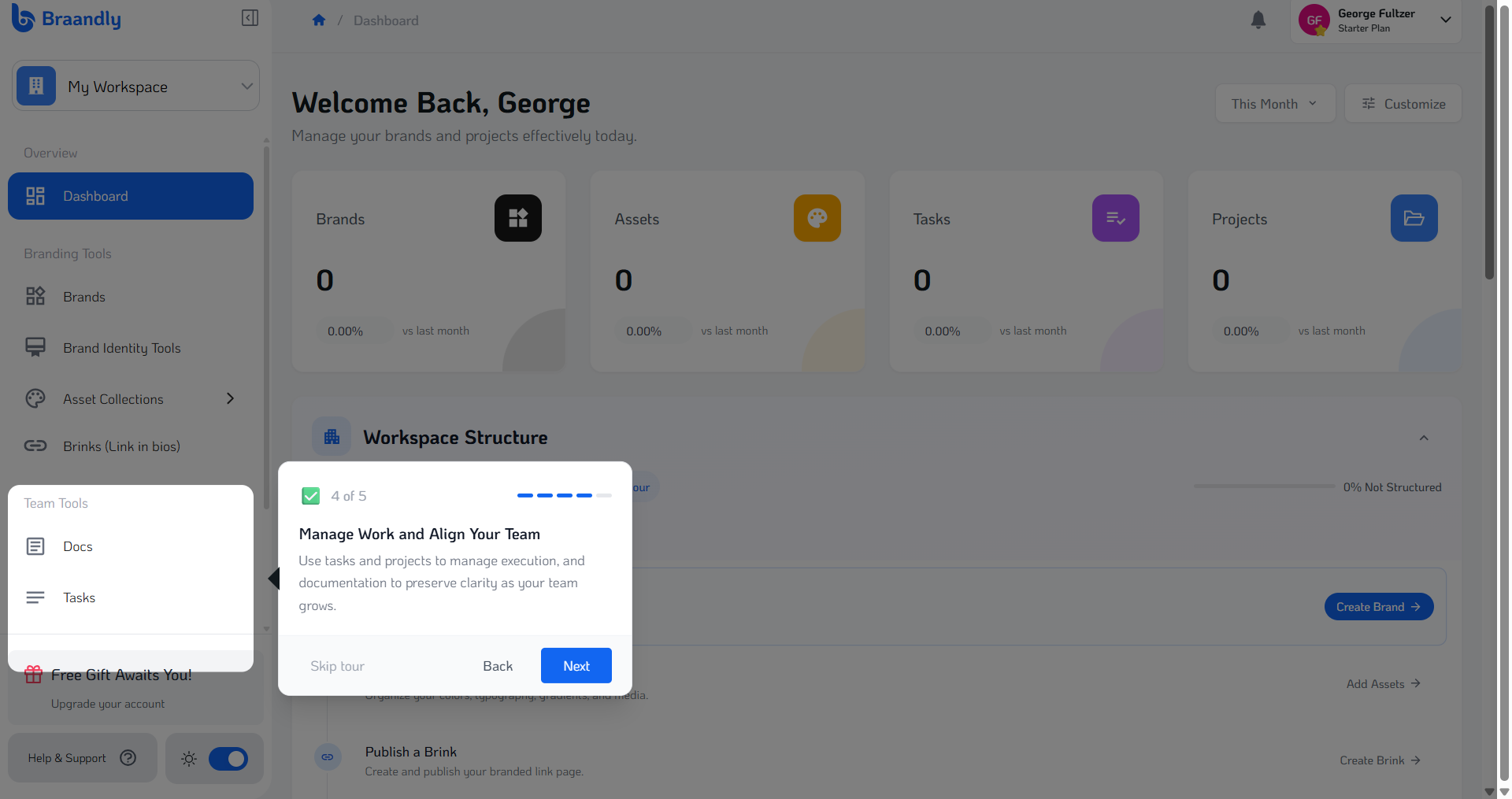
Manage Work and Align Your Team: The tour flags Team Tools, including Docs, Tasks, and Projects, which help manage execution and documentation. Click Next.
-
Track Your Structure: The final step focuses on the Workspace Structure. Click Start Building to close the tour and begin setup.
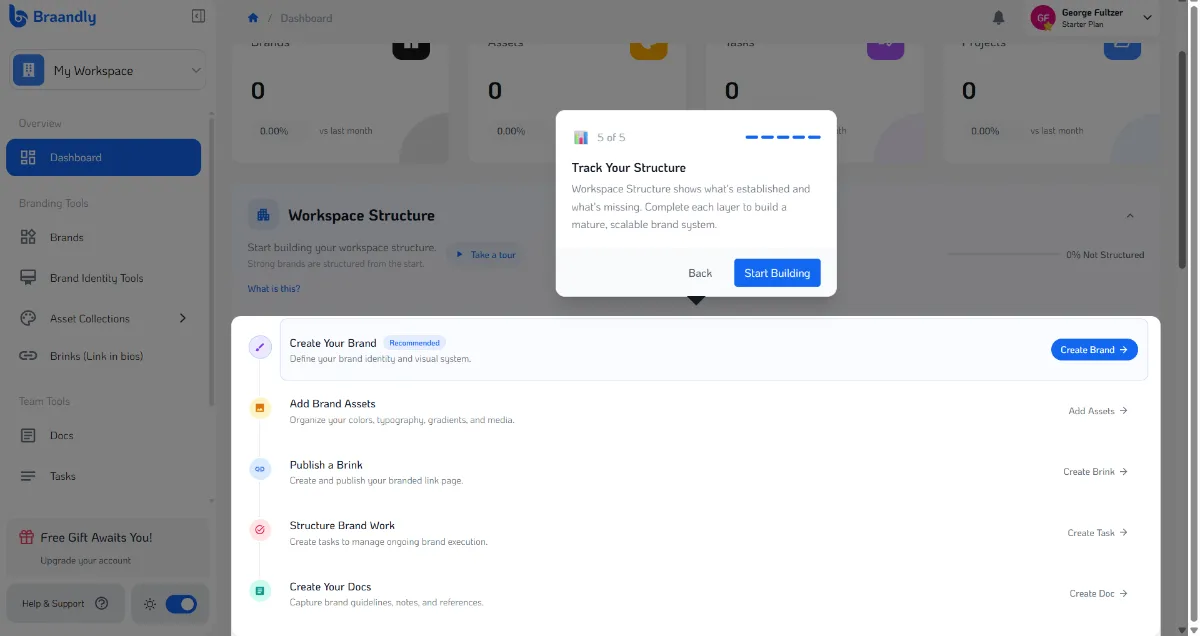
If you ever want to revisit this tour, click the Take a tour button next to the workspace structure breakdown on your main dashboard screen.
Next steps
Now that you know your way around the interface, start building out your foundation by following Create a workspace.