
Inside Braandly, a brand is an individual profile for a company, product, or project. This overview explains how brands function within your workspace and how they keep your assets and standards organized.
How brands are structured
A workspace is the top-level container for your team. Inside a single workspace, you can manage multiple brands. This structure keeps your assets separate, so a team working on one product does not accidentally use the logo or colors of another.
Structuring your brands early keeps assets separated by product, so the right logo and colors are always easy to find.
What lives inside a brand
Each brand operates as its own dedicated environment. Every brand you create includes specific categories to manage its assets and rules:
- Brand Identity: Define your brand's visual elements, such as logo, fonts, color palettes, gradients, and images that represent your brand.
- Brand Information: Define your brand name, description, tagline, website, and service rendered or product sold.
- Target Audience: Define who your brand serves.
- Brand Links: Add your website, social media profiles, and other relevant links.
- Brand Notes: The central home for all notes about your brand.
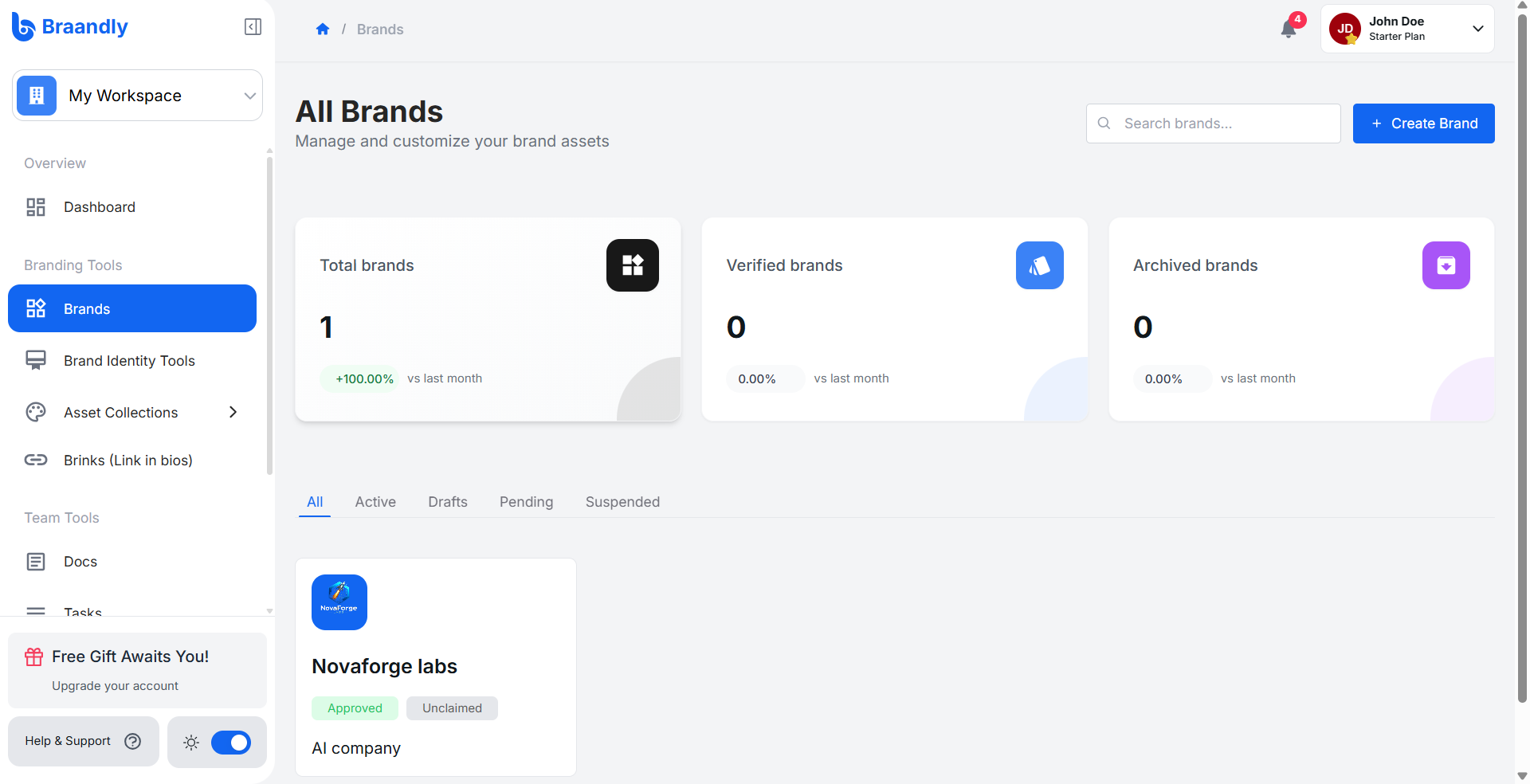
To view a brand and access these areas, open your workspace dashboard and select Brands from the sidebar menu.
Next steps
Now that you understand how brands fit into your workspace, you can begin setting up a brand. See Create brand using AI or Create brand manually.