
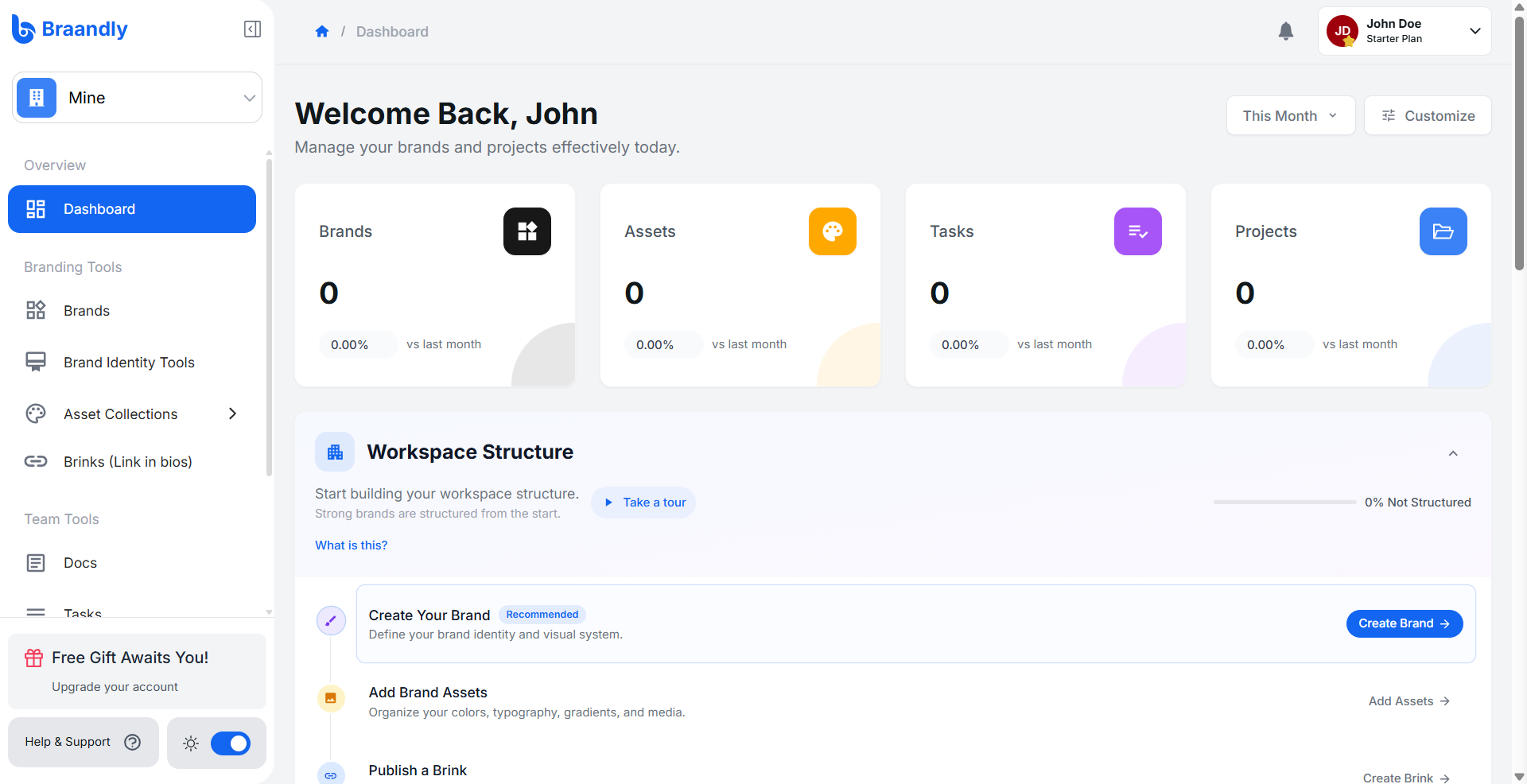
A workspace is the central place where your team's brands, work, and documentation live. Think of it as the foundation for your brand infrastructure, giving your team a single source of truth instead of scattered files and shifting standards.
What lives in a workspace
Everything you do in Braandly happens inside a workspace. When you invite team members, you are inviting them into that specific environment, where access is controlled by roles.
A workspace holds:
- Brands: The individual brand profiles you manage.
- Brand Guidelines: The documented rules that keep each brand consistent across your team.
- Brinks: The branded link pages attached to your brands, giving each one a single shareable home for all its important links.
- Asset Collections: Organized collections of logos, fonts, color palettes, gradients, and images your team saves and works with inside the workspace.
- Tasks and Projects: Tracked brand work and assignments from start to completion.
- Docs: Notes and documents your team creates within the workspace.
- Members: The people with access to your workspace. Each member is assigned a role (owner, admin, manager, member, or guest) that controls what they can see and do.
Plan limits
The number of workspaces you can create and the number of members per workspace depends on your plan. For example, the Starter plan supports up to 3 workspaces, while Pro supports up to 10.
See Braandly pricing for a full breakdown.
Managing multiple workspaces
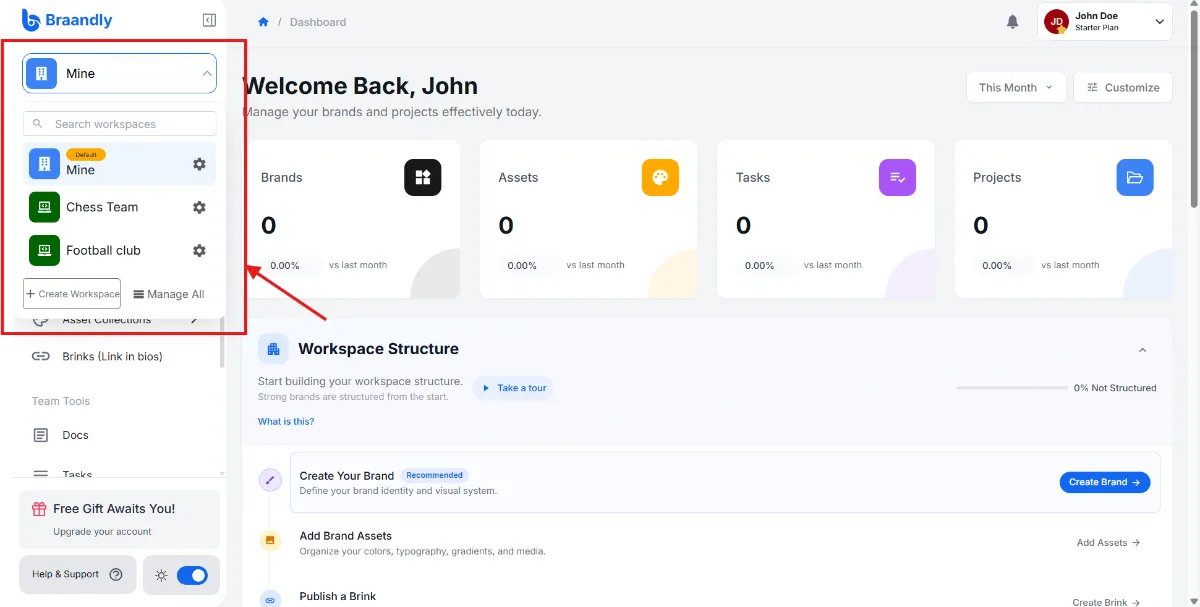
You can belong to more than one workspace. This is useful if you manage completely distinct companies or need strict separation between different clients or teams.
Switch between workspaces at any time by clicking the Workspace menu in the top left corner of your dashboard and selecting from the dropdown.
Next steps
- See Create a workspace to get your workspace set up.
- If your workspace is ready, start inviting members.