
This guide walks you through generating a brand guideline using Braandly's Guideline Generator.
Prerequisites
You need a workspace with a brand ready to use.
Steps
-
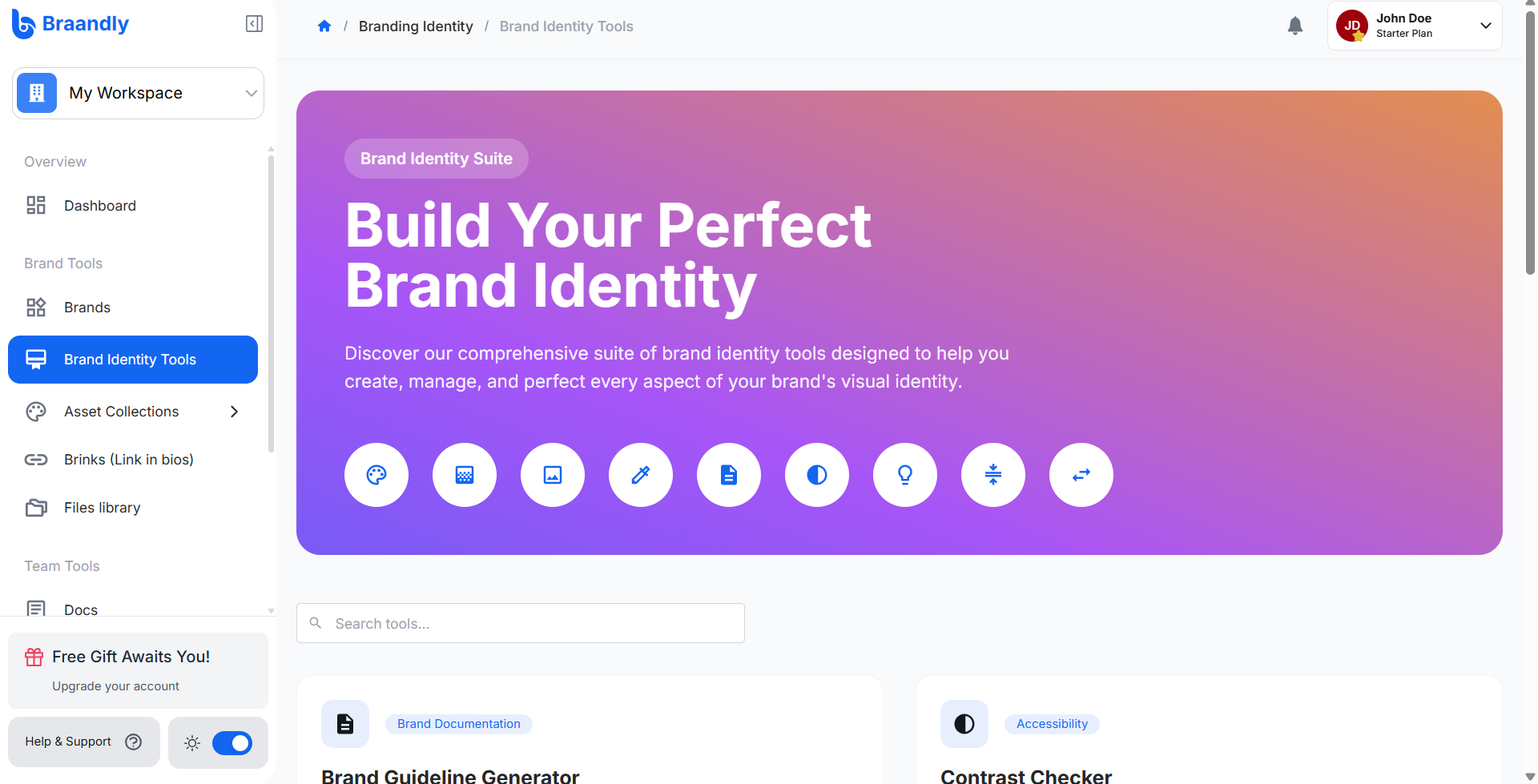
From your dashboard, click Brand Identity Tools in the sidebar.
-
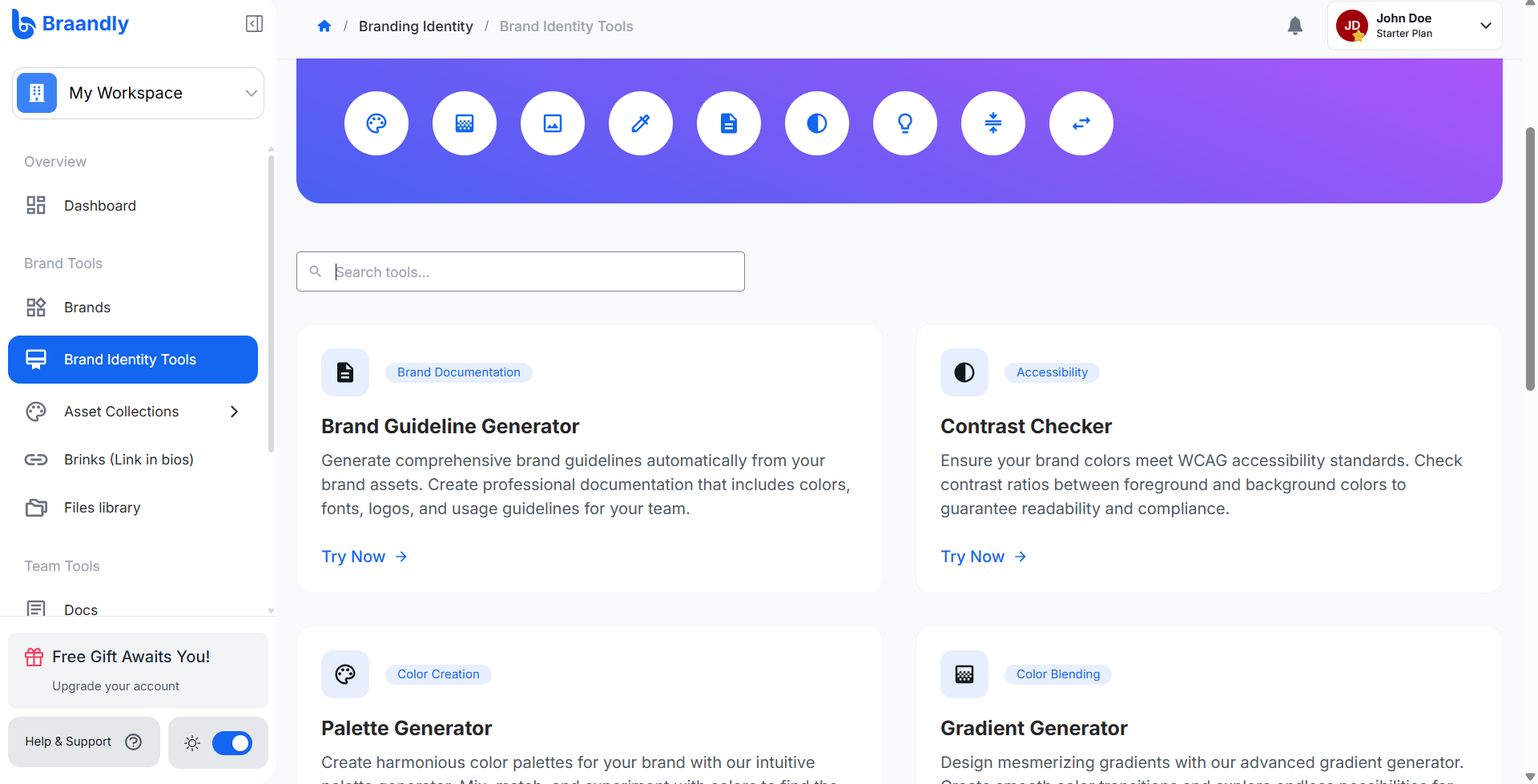
Click Brand Guideline Generator.
-
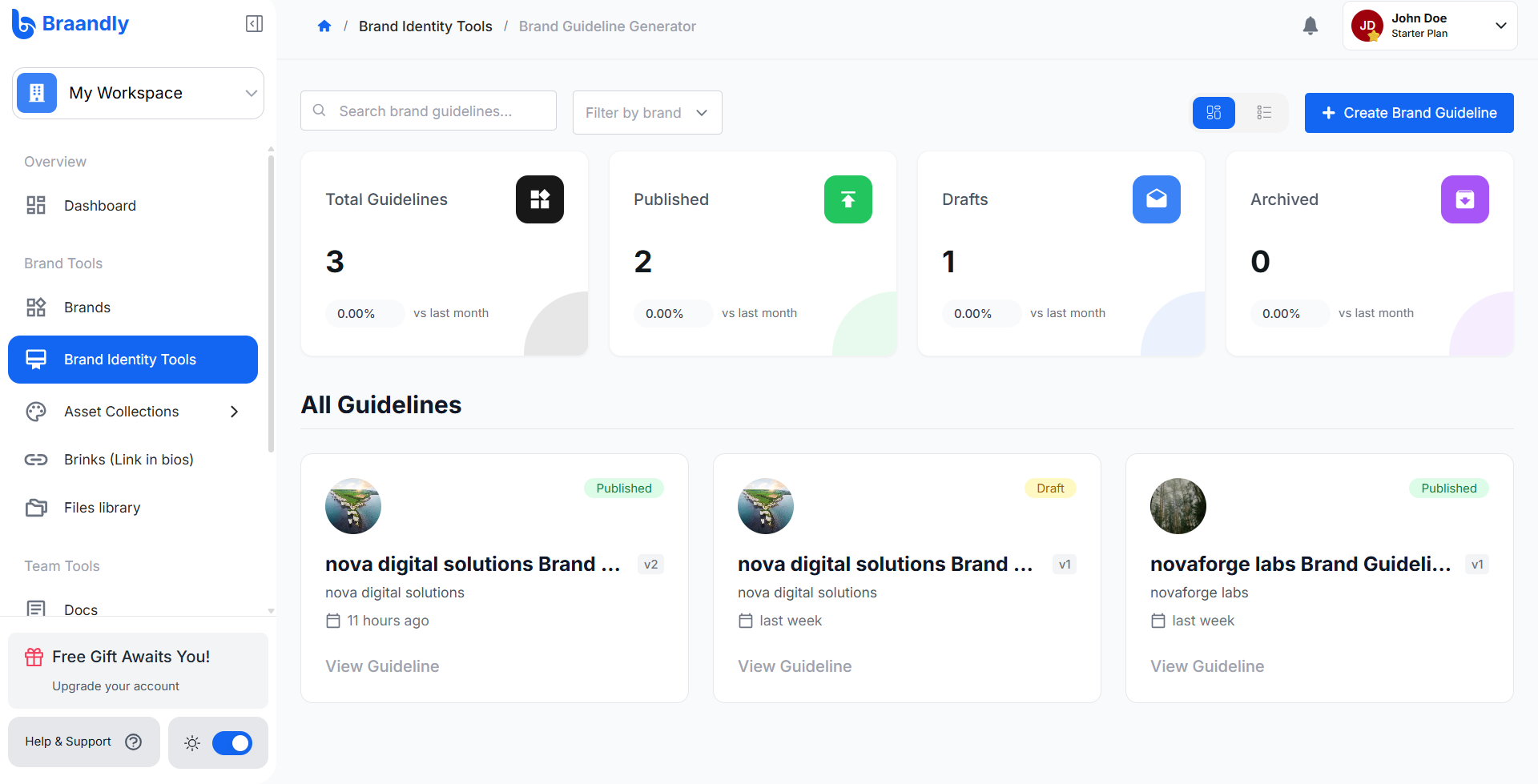
Click Create Brand Guideline in the top right.
-
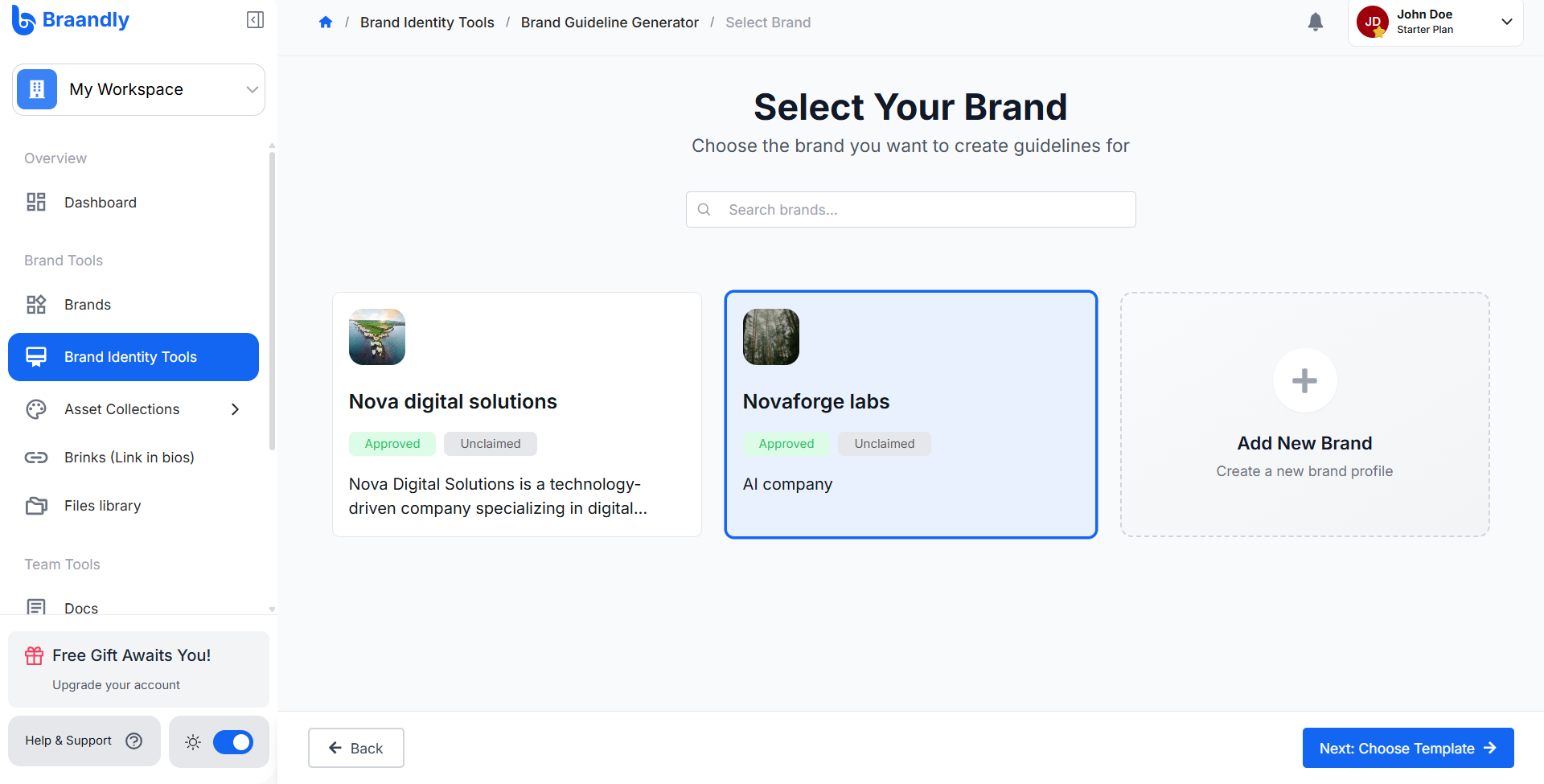
Select your brand and click Next: Choose Template to browse available layouts.
-
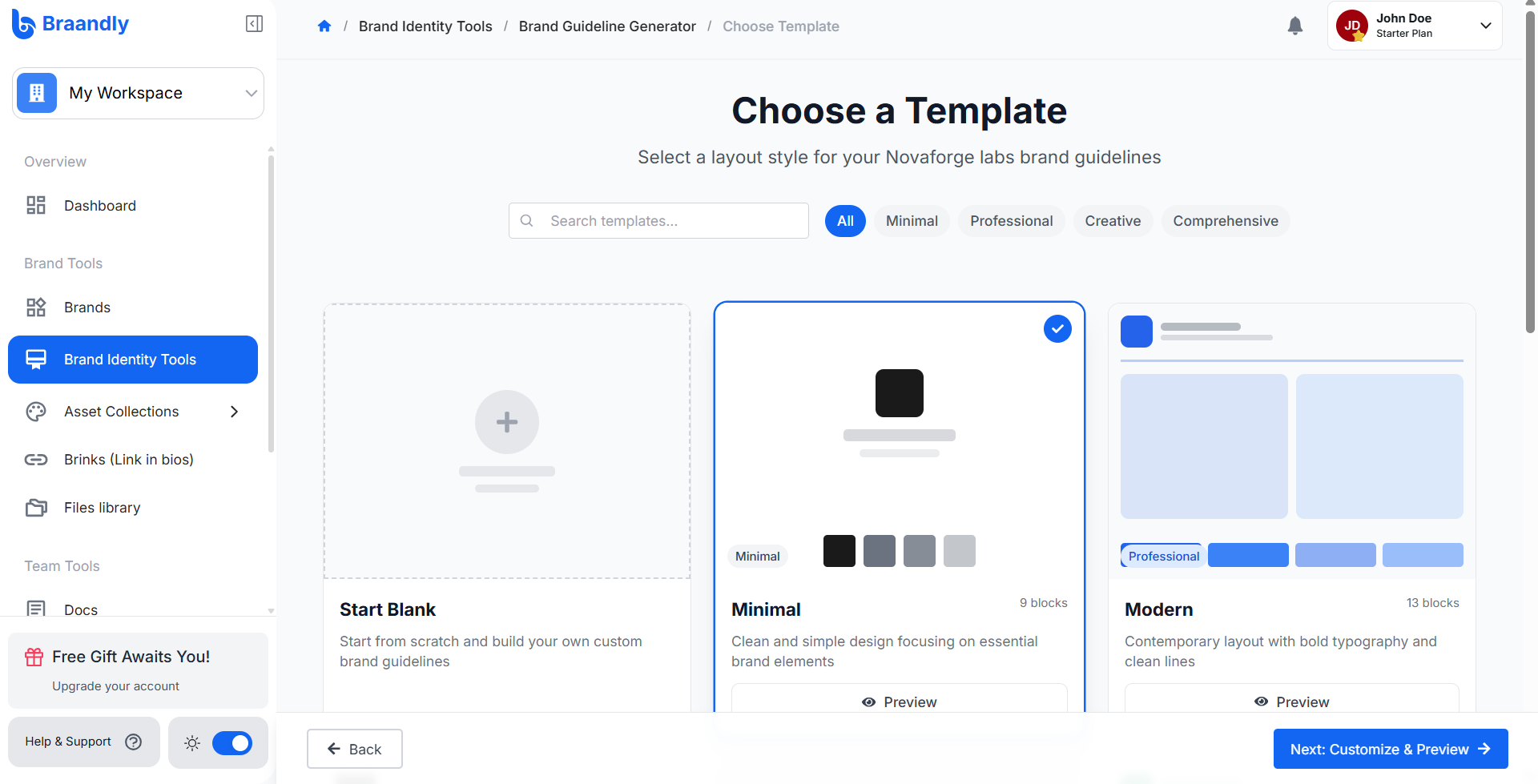
Choose a template for the guideline or start with a blank slate. You can click Preview to view a template, then click Use This Template when you find one you like.
-
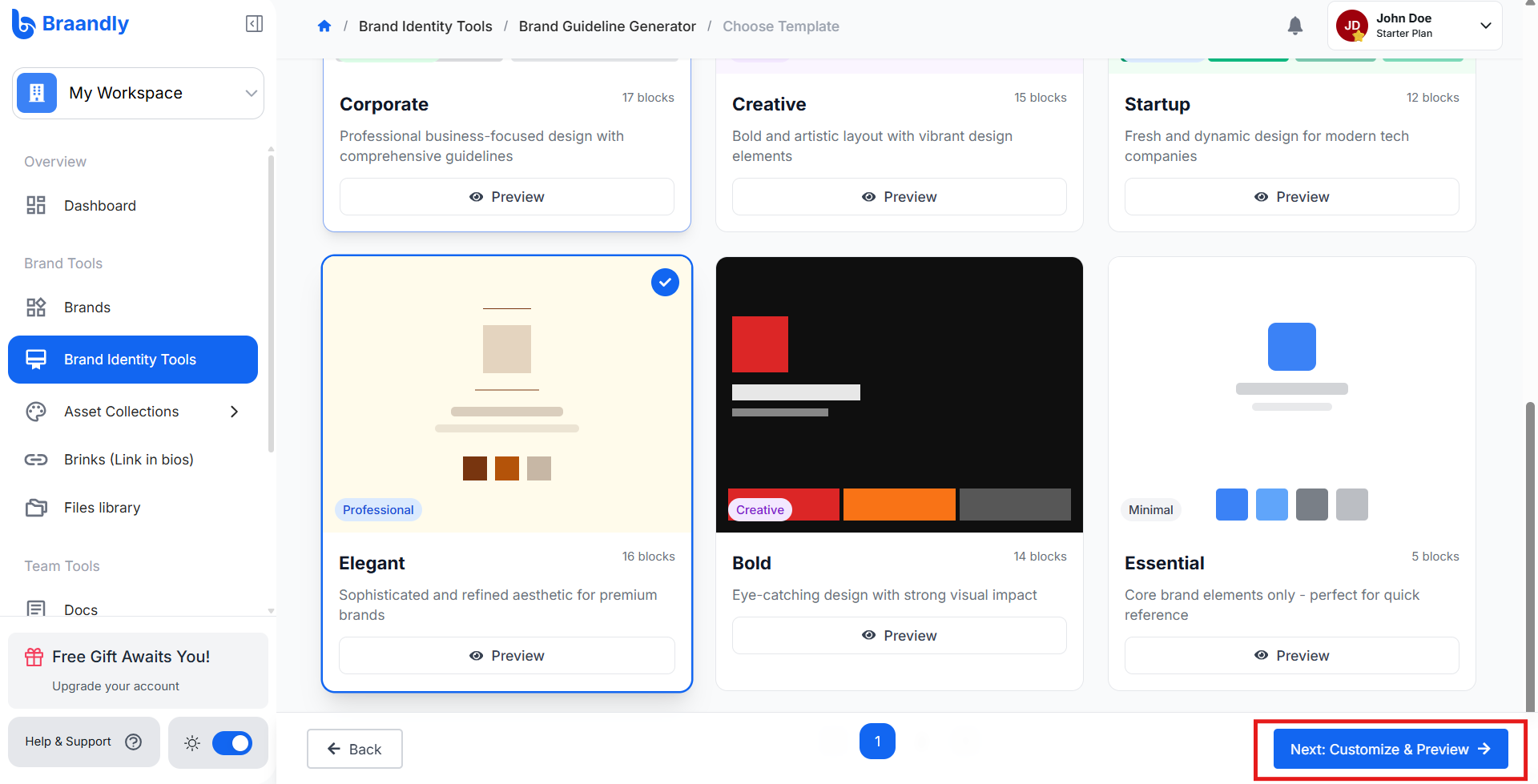
Click Next: Customize & Preview to open the editor.
-
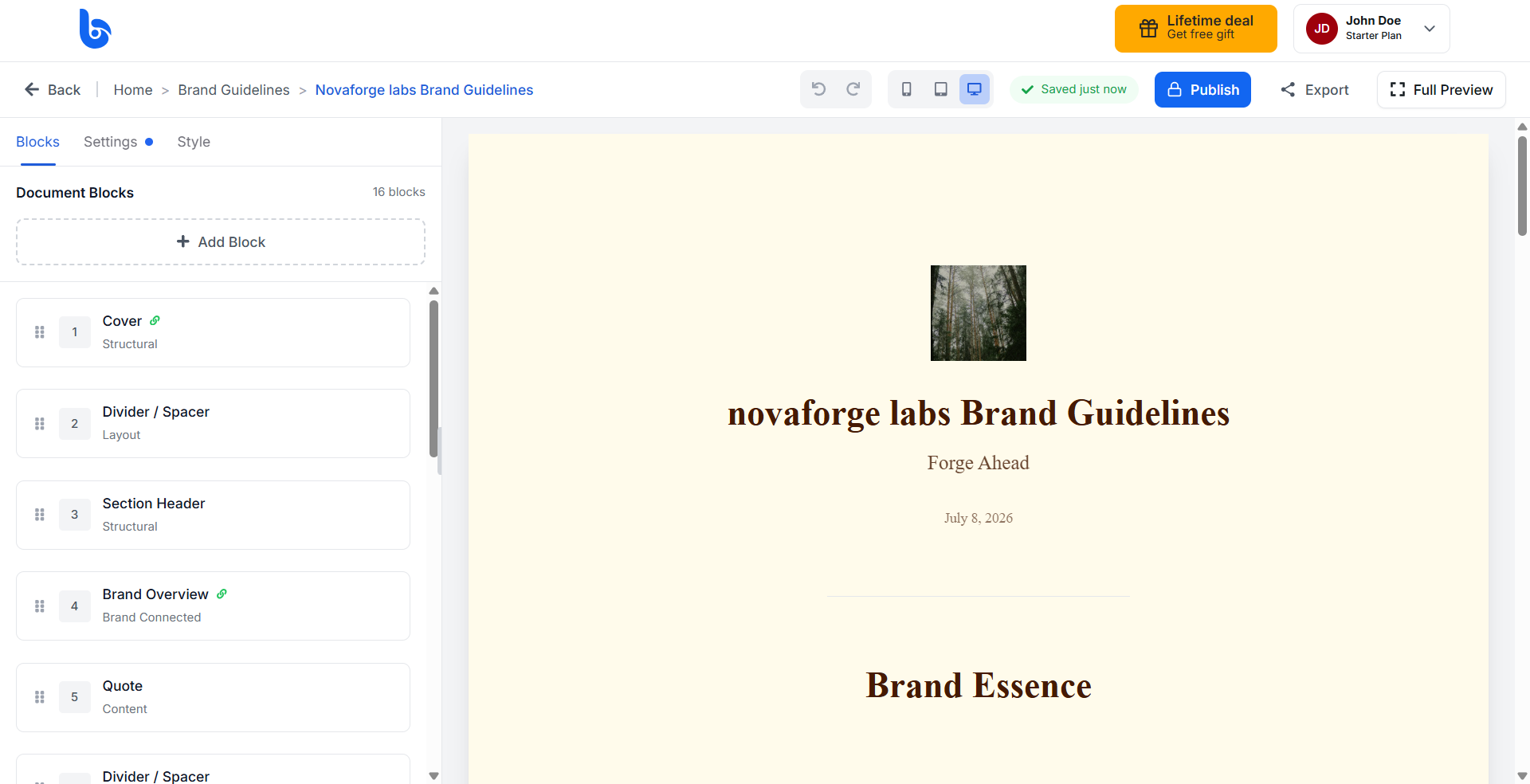
If you chose a template, use the Style, Blocks, and Settings tabs to adjust your guideline's look and content.
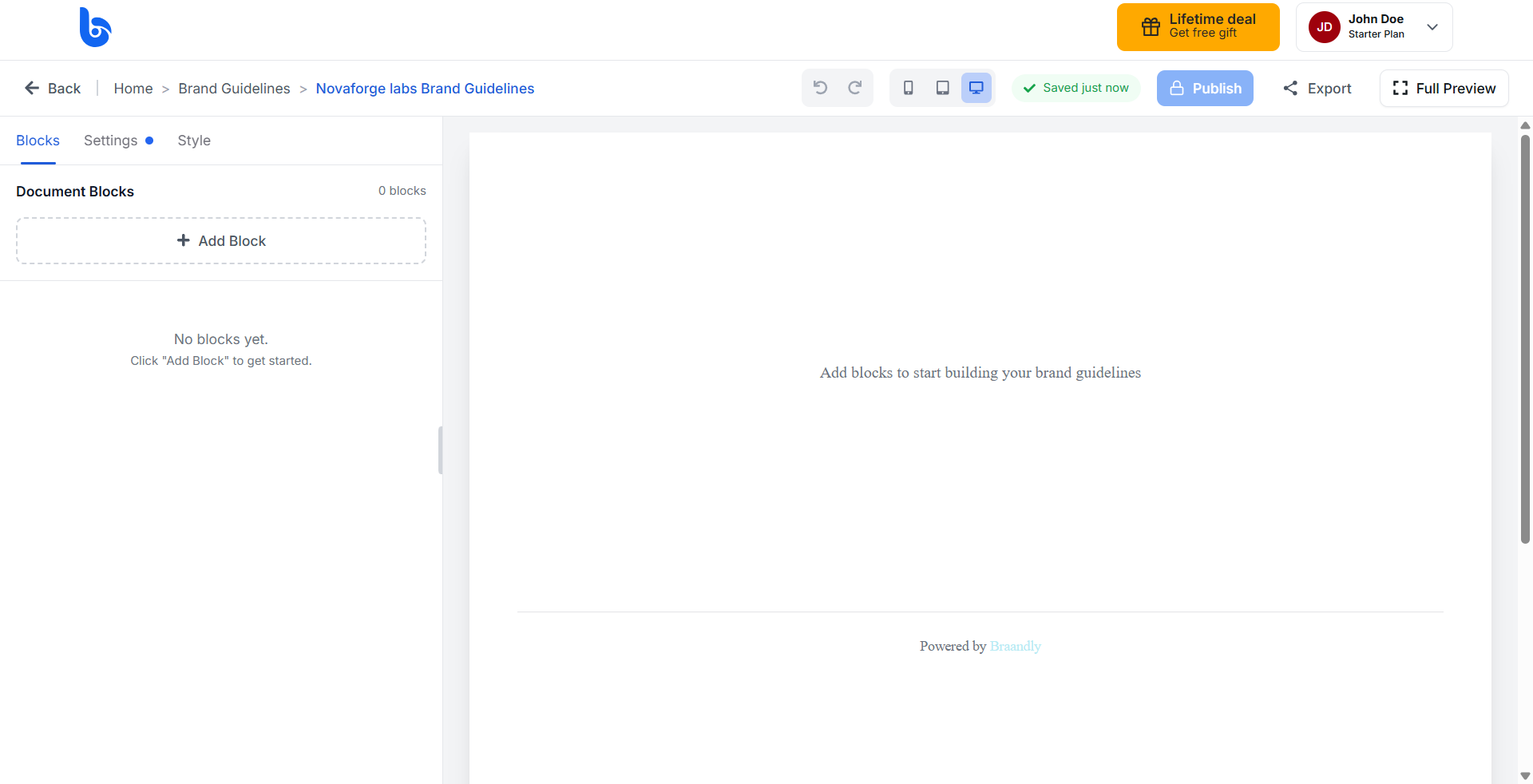
If you chose to start with a blank slate, use the Style, Blocks, and Settings tabs to design your guideline's look and content.
-
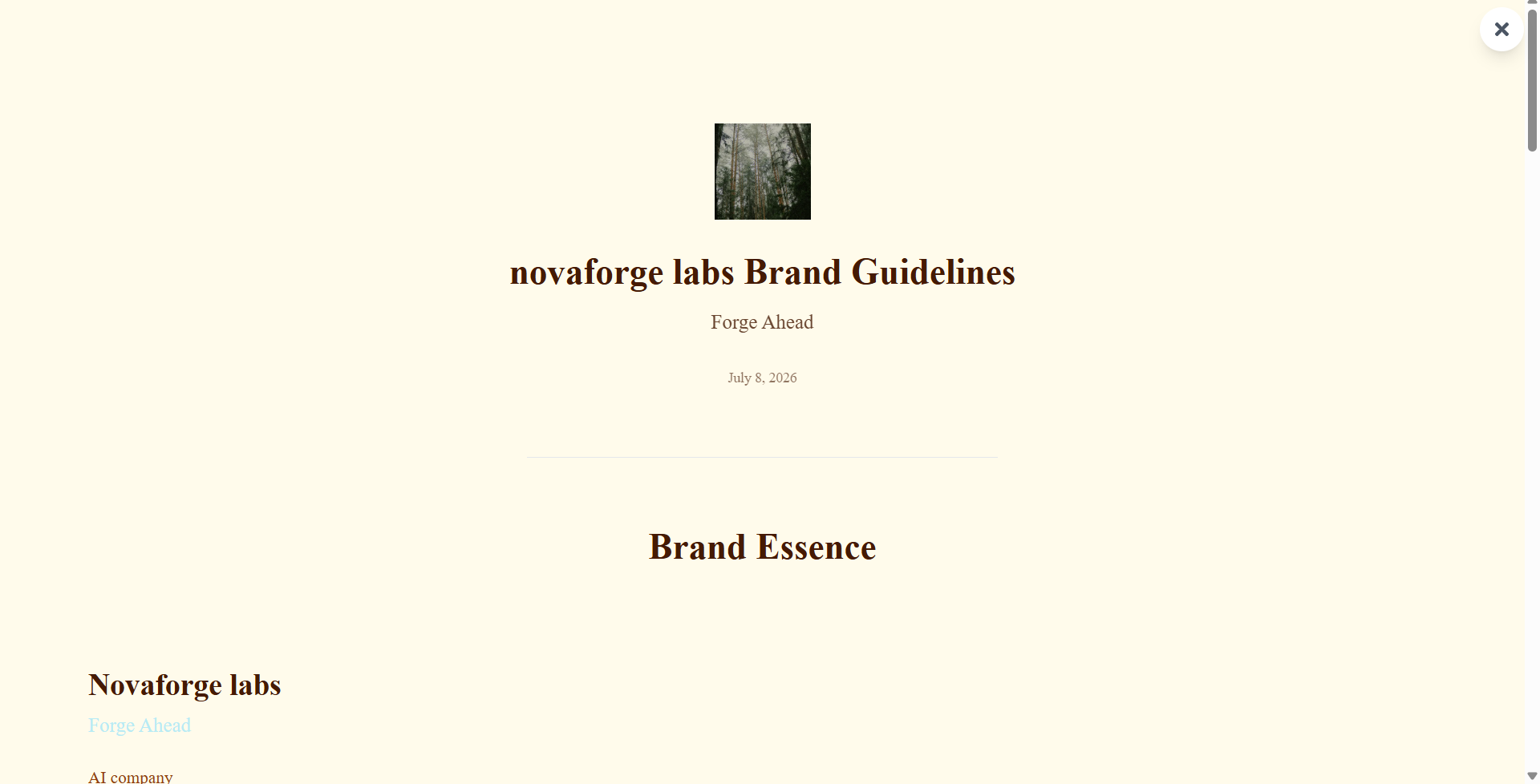
Click Full Preview to see how your guidelines look to others. Click the close button in the top right to exit the preview.
-
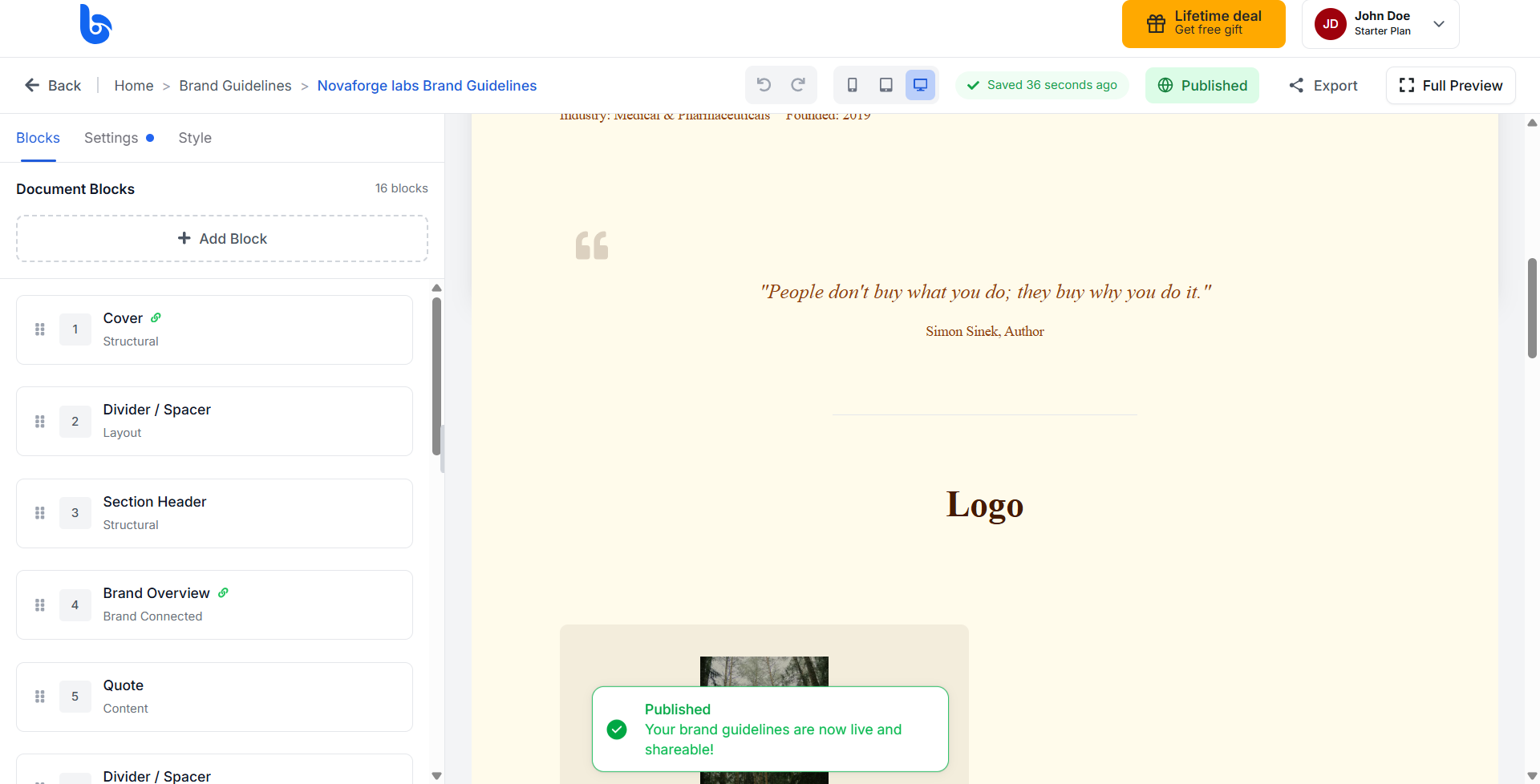
Click Publish to make your guidelines live and shareable.
Result
Your brand guideline is now published and available to share with your team or external partner.
Next steps
Share your published guideline link with your team so everyone can access your brand assets.